Snake — Mini Games
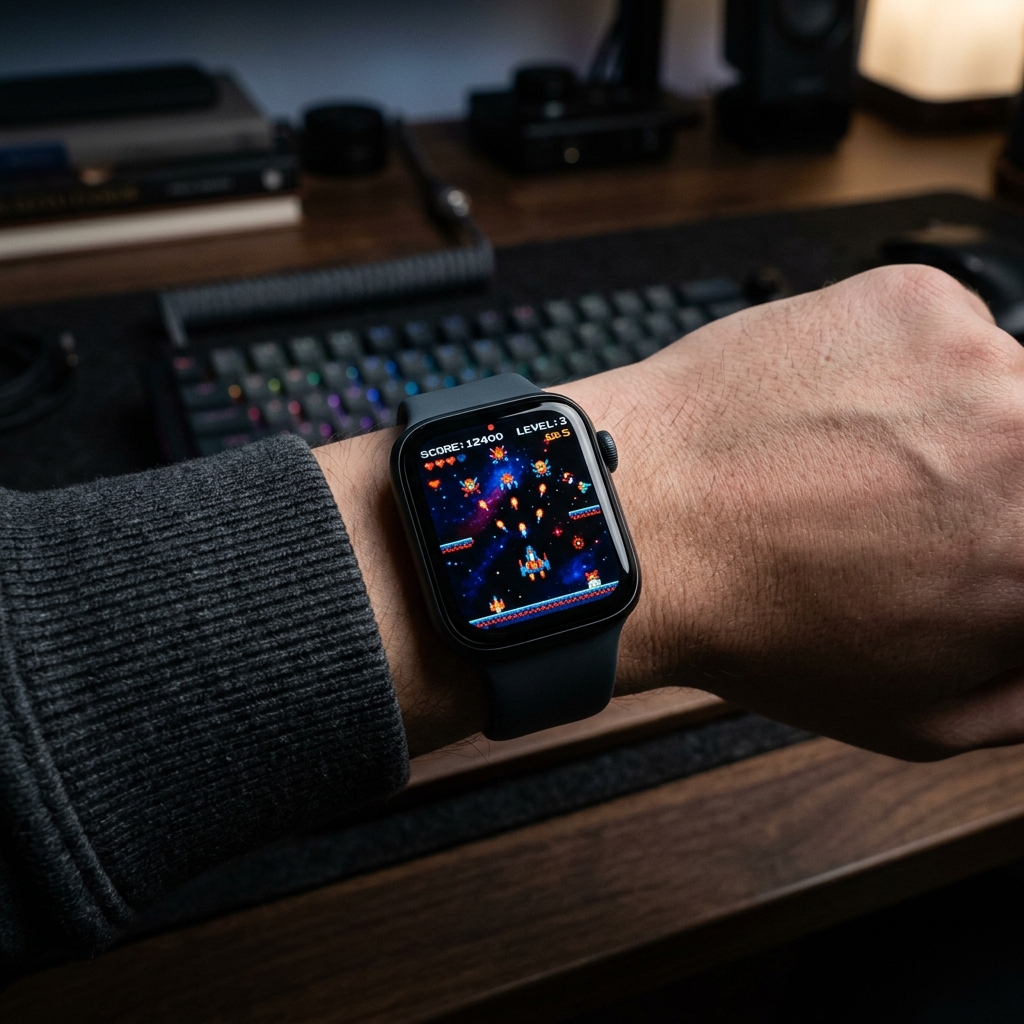
Classic 1997 Nokia-style Snake game for Apple Watch. Navigate the 20x15 pixel grid using the Digital Crown or touch, and display your last game frame directly on your watch dial.
Four games on your watch — Bricks, Snake, 2048 and Tic Tac Toe. Play in the app, then read the frozen frame of your last game right on the dial, next to battery, weather, steps and calories. Inspired by 2048 by Gabriele Cirulli (MIT).
Inside Snake — Mini Games
Relive the authentic 1997 monochrome arcade sensation reimagined for Apple Watch. Guide your hungry serpent across a high-contrast 20x15 grid, collecting pellets and growing longer with every bite while avoiding wall collisions and tail bites. Once your run ends, the watch face complication showcases your last game board snapshot on your wrist, flanked by battery level, weather, steps, and activity metrics.
Features & Complications
- Battery
- Weather
- Temperature
- Steps
- Calories
Available Color Variants
Frequently Asked Questions
How do I install a watch face on my Apple Watch?
Which Apple Watch models and watchOS versions are supported?
Do I need the companion watchOS app installed on my Apple Watch?
More Watch Faces
- NEON SIGN — AM/PM sign, heart rate, battery and weather on a neon board, with calories, steps and stand hours in segmented rings. Lit tubes are active, dim glass is not.
- Halo Ring — Steps fill the top of the ring, heart rate the bottom; temperature, UV, battery and calories sit in the corners.
- Pocket Pals — A virtual pet you raise — it grows through life stages, shows its mood, and lives in a little world that blooms with good care. The four rings are your real data: battery, weather, steps and calories.
- Outdoor Companion — Temperature, wind speed, steps, distance and calories — everything for your outdoor adventures. Battery level included.
- Blueprint Dashboard — Industrial blueprint frames with date, weather, steps, calories, flights climbed and battery.
- Vitals Weather — Weather, steps, calories and heart rate at a glance on a bold filled dashboard.