Moon Phase
Track the lunar cycle with current phase, percentage, and days until the next full moon.
★ 5.0 • 8 Variants • watchOS Compatible
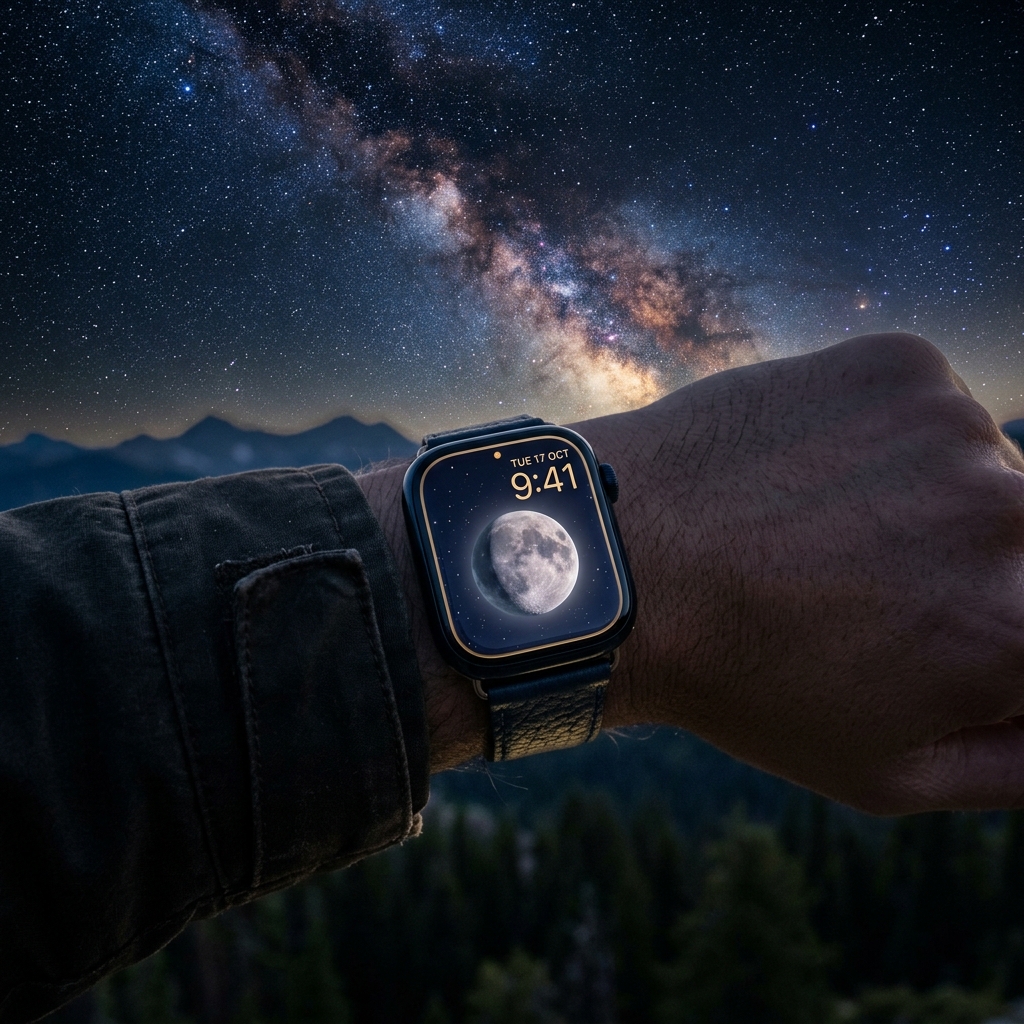
Features & Complications
- Moon Phase
- Battery
- Date
Available Color Variants
- Silver Moon
- Blood Moon
- Harvest Moon
- Blue Moon
- Red
- variant.purple_accent
- Emerald Moon
- Yellow
Frequently Asked Questions
How do I install a watch face on my Apple Watch?
Open the Space app on your iPhone, select your preferred watch face design, and tap "Add to My Watch". The watch face will open directly in the official Apple Watch app on iOS. From there, tap "Add to Current Faces" and it will immediately appear on your wrist.
Which Apple Watch models and watchOS versions are supported?
Space watch faces and WidgetKit complications support Apple Watch Series 4 through Series 10, Apple Watch SE (1st & 2nd gen), and all Apple Watch Ultra models. For the best experience, we recommend running watchOS 10 or watchOS 11 (and watchOS 27).
Do I need the companion watchOS app installed on my Apple Watch?
For static face designs, the iPhone app is sufficient. However, for live telemetry complications (step counters, heart rate zones, moon phases, weather) and mini-games like Pocket Pals, the companion watchOS app must be installed on your watch.