Best Apple Watch Face Apps in 2026: Free & Paid Compared
Discover the best Apple Watch face apps in 2026. Compare Facer, Clockology, Buddywatch, and Space Watch Faces for battery life, design, and native watchOS complications.
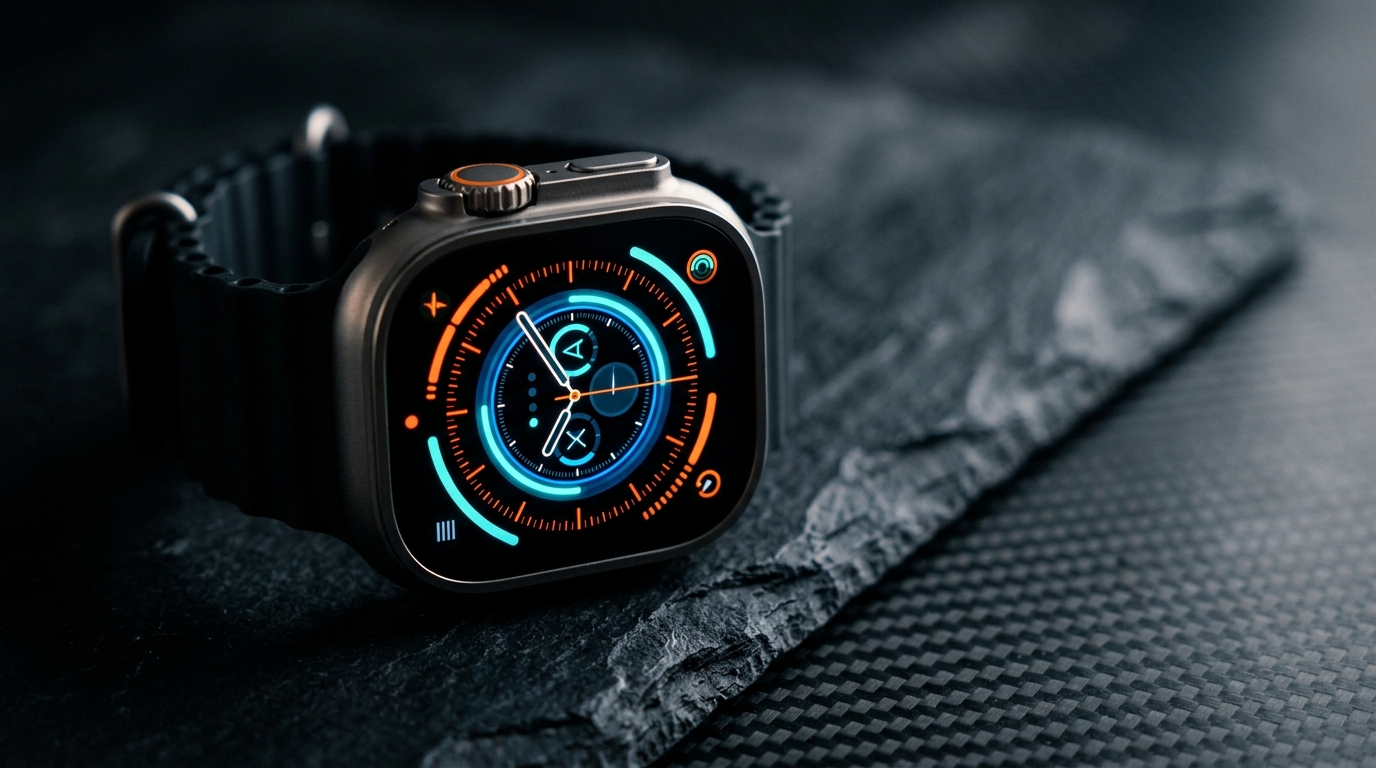
Apple users frequently discover that searching for the best apple watch face apps leads into a confusing landscape of software architectures, subscription tiers, and battery drain debates. Unlike Wear OS or Android where third-party developers can build standalone watch faces that replace the system launcher, Apple enforces strict sandbox limitations across watchOS. To date, Apple does not allow third-party developers to inject completely unrestricted executable binaries into the native watch face carousel.
Instead, customization platforms split into two distinct engineering paradigms: full-screen foreground app simulators that mimic mechanical timepieces, and native WidgetKit complication platforms that supply custom data widgets directly to stock Apple watch faces. Understanding this architectural divide is the difference between an Apple Watch that lasts two full days on a single charge and one that drains before your evening commute. In this comprehensive technical breakdown, we test and compare the leading options—Clockology, Facer, Buddywatch, Watchsmith, and Space Watch Faces—across battery longevity, background refresh reliability, cost, and everyday utility.
Architectural Realities: How the Best Apple Watch Face Apps Actually Work
Before installing any third-party dial customizer, you must understand how watchOS handles custom watch face rendering. There are two primary software methods used by developers:
- Foreground Application Canvas (The Simulator Model): Applications like Clockology run as an active watchOS application continuously displayed on screen. The app draws graphic layers, animated seconds hands, and simulated complication gauges onto a custom SwiftUI canvas. Because it is an active app rather than a system watch face, it requires specific system workarounds—most notably setting `Settings > General > Return to Clock > After 1 hour`—to prevent watchOS from dismissing the app back to the default modular face whenever your wrist lowers.
- Native WidgetKit Complications & Shared .watchface Files: Platforms like Space Watch Faces and Buddywatch build upon Apple's official `.watchface` architecture. They leverage WidgetKit extensions that feed cached data timelines into official system complication slots (such as Graphic Corner, Graphic Circular, Graphic Rectangular, and Graphic Extra Large). The system handles all screen drawing, OLED low-power dimming, and Always-On display refresh rates at 1 Hz.
- Foreground App Model Trade-Off:
- Native Complication Model Trade-Off:
In-Depth Platform Breakdown: The 5 Contenders Compared
1. Clockology: The Sandbox Engine for Horology Enthusiasts
Clockology remains the most popular application for watch enthusiasts who want luxury mechanical aesthetics, anime designs, and motorsport telemetry on their wrist. The platform operates on a community-driven file sharing model (`.clock` and `.clock2` files), where users build and share dials through Reddit and dedicated creator channels.- Core Strengths: Unrivaled visual freedom. If you want a skeletonized tourbillon, a replica of a classic Swiss diver, or animated pixel art, Clockology is unmatched. Its companion desktop and mobile editors allow granular control over image layers, digital typography, and gyroscope-driven shading.
- Technical Drawbacks: Because Clockology operates as a foreground application, watchOS treats it as an active workload. If you raise your wrist frequently or rely on continuous gyro rendering, the watch processor stays awake. Furthermore, native watchOS gestures like swiping down for Notification Center or swiping up for the Control Center / Smart Stack can feel sluggish or conflict with active app touch responders.
- Pricing Model: Free base tier with community sharing; Clockology+ subscription ($2.99/month or $19.99/year) unlocks custom weather complications, health layer data, and advanced editor tools.
2. Facer: The Commercial Multi-Platform Marketplace
Originally built as the dominant watch face marketplace for Wear OS and Tizen, Facer brought its massive library of licensed brands (Star Wars, NASA, Ghostbusters) and independent creator dials to Apple Watch.- Core Strengths: Enormous catalog exceeding 100,000 community and brand-licensed watch faces. The mobile app offers seamless one-tap syncing for both native complication layouts and full-screen photo faces.
- Technical Drawbacks: Facer attempts to straddle both models, using rotating photo faces for graphics and custom complications for data. In practice, users on `r/AppleWatch` frequently report delayed weather complications that fail to update across time zones, alongside aggressive in-app upgrade prompts.
- Pricing Model: Free tier includes limited basic designs; Facer Premium costs $4.99/month or $39.99/year, making it one of the most expensive recurring investments for wearable personalization.
3. Buddywatch: Curated Gallery for Native watchOS Dials
Buddywatch approaches customization from a pure curation perspective. Rather than building custom canvas engines, Buddywatch collects configurations of official watchOS dials (such as Metropolitan, California, Modular Ultra, and Contour) paired with curated colorways and third-party App Store complications.- Core Strengths: 100% native stability. Because you download standard `.watchface` bundles that install directly into the iOS Watch app, there is zero risk of crashes, no background battery drain, and complete compatibility with system gestures.
- Technical Drawbacks: The app does not supply its own custom dials. If a curated face uses complications from three different third-party paid apps (e.g., Carrot Weather, Lumy, and Heart Analyzer), you must purchase and install each individual app from the App Store to populate the watch face without blank placeholder slots.
- Pricing Model: Free with non-intrusive advertisements; optional tip jar and VIP membership for ad removal ($1.99–$4.99).
4. Space Watch Faces: Battery-Optimized Native Complications & Cyber Dials
Space Watch Faces combines curated high-contrast aesthetics with strict adherence to Apple's native WidgetKit guidelines. Designed specifically for modern OLED and Ultra sapphire displays, it delivers pre-configured visual dials alongside a suite of wrist-optimized utilities.- Core Strengths: True native performance. Dials such as the Cluster Modern dial and Outdoor Companion dial install as native configurations with customized data slots, drawing zero extra battery beyond Apple's standard display refresh. The platform avoids generic clipart in favor of technical aesthetics—cyberpunk telemetry, minimalist dark modes, and tactical outdoor dials. It also includes integrated web utilities like the Apple Watch battery estimator and photo cropper for custom wallpapers.
- Technical Drawbacks: Focuses on curated modern, dark, and technical aesthetics (like those found in the Cluster category showcase) rather than thousands of user-uploaded community files or replica mechanical luxury dials.
- Pricing Model: Free core catalog with transparent one-time unlocking options; zero recurring monthly paywalls for essential utilities.
5. Widgy & Watchsmith: Granular DIY Complication Builders
For users who care more about dense information architecture than visual dials, Widgy and Watchsmith provide modular complication builders.- Core Strengths: Complete control over data points. You can build a single rectangular complication that displays your upcoming calendar event, remaining battery percentage, barometric pressure trend, and HealthKit step count simultaneously.
- Technical Drawbacks: Steep learning curve. Setting up a balanced watch face requires manual positioning of coordinates, fonts, and data endpoints in an interface reminiscent of a graphic design tool.
- Pricing Model: Freemium; limited to 1–2 active slots for free, with one-time or subscription unlocks ($4.99–$9.99) for multiple active watch widgets.
Battery Longevity Analysis: Benchmarking Real-World Wrist Impact
The single most critical factor separating third-party watch face apps is power draw. On an Apple Watch Series 10 or Ultra 2, Apple's power budget allocates tiny fractions of a milliwatt to the watch face engine during idle Always-On Display states:
- Stock Apple Watch Face (Modular / Infograph Baseline):
- Native Complication Platforms (Space Watch Faces / Buddywatch):
- Foreground Canvas Simulators (Clockology):
To learn more about optimizing your device's runtime without sacrificing visual detail, consult our dedicated Apple Watch battery comparison and our detailed technical guide on how to maximize battery life on watchOS.
Practical Settings for Custom Watch Face Battery Management
If you choose to run custom canvas applications or dense complication setups, apply these configuration adjustments:- Configure Return to Clock Timers: Navigate to `Settings > General > Return to Clock`.
- Disable Unnecessary Background App Refresh: Open the Watch app on iPhone and go to `General > Background App Refresh`.
Which Platform Should You Choose in 2026?
Selecting the right platform depends entirely on how you wear and use your Apple Watch throughout the day:
1. For Evening Wear, Formal Events, and Mechanical Horology Lovers: Choose Clockology. Its ability to replicate complex analog horology and bespoke dial art is unmatched, provided you accept the need to recharge your watch nightly. 2. For Active Daily Use, Fitness Tracking, and Multi-Day Battery Life: Choose Space Watch Faces. Its native WidgetKit complication architecture gives you high-tech instrument cluster layouts—such as the Cluster Modern dial and the navigation-ready Outdoor Companion dial—without any battery drain penalties or gesture lag. 3. For Pure Native Customization Using Apps You Already Own: Choose Buddywatch. It serves as an excellent inspiration directory if you prefer tweaking Apple's built-in dials and don't mind purchasing companion utilities like Carrot Weather. 4. For Data Power Users and Quantified-Self Enthusiasts: Choose Widgy or Watchsmith to pack maximum custom metrics into single rectangular complication slots.
Key Takeaways
- Architecture Dictates Battery: Foreground apps like Clockology offer complete visual freedom but consume 30% to 50% more power than native complication setups like Space Watch Faces.
- Apple Does Not Support Standalone Face Binaries: All third-party watch face apps must either run as active foreground apps or inject data into official `.watchface` complication slots.
- Watch Out for Recurring Paywalls: Marketplace platforms often demand recurring monthly subscriptions ($4.99/mo); look for native platforms offering transparent lifetime unlocking or free core dials.
- Complication Interaction Matters: Native complication setups allow single-tap launching of HealthKit, Weather, and Workout apps, whereas foreground simulators cannot link sub-dials to third-party applications.
- Optimize Return to Clock: If using custom simulator apps, set `Settings > General > Return to Clock` to `After 2 minutes` to protect your daily battery longevity.