Clockology Alternative for Apple Watch: Native Faces (2026)
Looking for a Clockology alternative for Apple Watch? Compare native WidgetKit watch face apps that fix Return to Clock timeouts and battery drain.
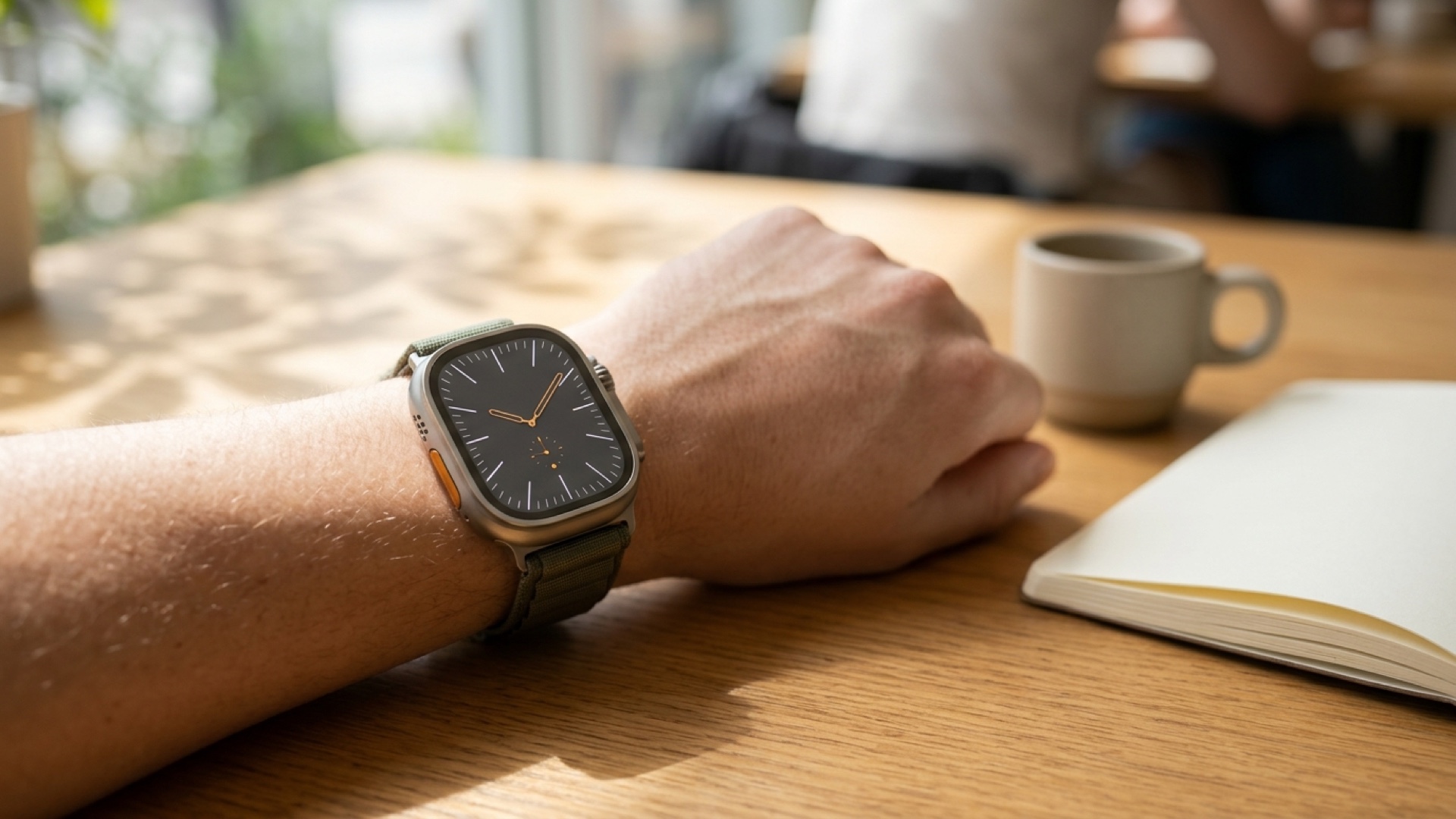
Clockology lets you load dramatic full-screen dials onto an Apple Watch, but it does so by running as a foreground app rather than a real watchOS watch face. The moment you press the Digital Crown, cover the display with your palm, or hit the one-hour Return to Clock cap, watchOS kicks you back to a stock Apple dial. The best Clockology alternative for Apple Watch is a native watch face app built on official .watchface bundles and SwiftUI WidgetKit complications—such as Space Watch Faces, Buddywatch, or Apple's own Modular and Photos templates paired with third-party widgets—because these live inside the system Watch Face Gallery, stay permanently active on Always-On Display, and avoid continuous foreground GPU drain.
Key Takeaways
- Architecture decides reliability: Full-screen overlay apps like Clockology run in the foreground and time out under watchOS rules; native WidgetKit watch face apps install directly into the Watch Face Gallery and never close.
- Battery savings are measurable: Switching from an animated foreground overlay to native SwiftUI complications typically restores 4 to 6 hours of daily runtime on Apple Watch Series 8, Series 9, Series 10, and Ultra models.
- Always-On Display works properly: Native faces drop to 1Hz low-power dimming automatically, whereas foreground overlays often freeze, blur, or hold high brightness.
- You keep real interactivity: Native complications launch HealthKit, Weather, and Workout hooks on tap instead of acting as a locked visual canvas.
Why Users Leave Clockology: Three watchOS Limits You Cannot Bypass
Every frustration reported on Apple Watch communities traces back to one watchOS rule: Apple does not allow third-party developers to ship standalone rendering engines into the native Watch Face Gallery. Clockology works around this restriction by opening a full-screen watchOS app that renders custom layers, fonts, and looping media from .clock files. That workaround creates three structural limits on every modern Apple Watch.
The One-Hour Return to Clock Ceiling
Even when you open Settings > General > Return to Clock on your Apple Watch and push the timeout to the maximum setting of After 1 Hour, watchOS still terminates the foreground session once the timer expires or when you press the Digital Crown to check a notification. Palm-to-sleep gestures and accidental sleeve taps also snap the screen back to your underlying Apple face. Workarounds like placing a Clockology launcher complication in the corner of a stock face reduce the friction, but you are still manually reopening an app several times a day just to see the time.
Foreground GPU Drain and Memory Overhead
Native watch faces render on a low-level system compositor with strict WidgetKit refresh budgets (around 40 to 75 timeline updates per day). A foreground overlay app keeps CPU and GPU pipelines awake to animate sweeping second hands, looping backgrounds, or custom weather layers. On an Apple Watch Series 9 or Series 10 with Always-On Display active, running heavy full-screen layouts routinely cuts total runtime from a full day down to 10–12 hours. You can model how foreground screen wakeups and active sensors affect your exact Apple Watch generation with our Apple Watch Battery Estimator.
Broken Always-On Display and Missing System Hooks
When you lower your wrist on an LTPO OLED display, watchOS drops the refresh rate to 1Hz and strips non-essential luminance. Foreground apps cannot replicate native AOD dimming reliably: some layouts blur behind a digital timestamp overlay, while animated layers stall until the next wrist raise. Worse, tapping a faux dial gauge inside a full-screen overlay cannot natively launch Apple Workout, Timers, or Alarms the way a real watchOS complication does.
Best Clockology Alternatives Built on Native watchOS Architecture
If you want bold industrial, retro, or telemetry aesthetics without fighting watchOS timeouts, choose a Clockology alternative that distributes official .watchface profiles paired with WidgetKit complications. We also cover broader pricing and feature breakdowns in our best Apple Watch face apps guide.
Space Watch Faces (Best for Cohesive Native Dashboards)
Space Watch Faces packages custom themes as native .watchface files backed by over 130 SwiftUI WidgetKit complications. Because every dial installs directly into your Apple Watch Face Gallery, it survives Digital Crown presses, palm-to-sleep gestures, Sleep Focus transitions, and 1Hz Always-On dimming out of the box.
- Visual depth without overlays: Designs like Blueprint Dashboard deliver technical CAD linework and real-time weather/activity slots, Digital Cluster brings automotive telemetry styling to large 45mm, 46mm, and 49mm displays, and Retro Dashboard recreates vintage LCD character without running a battery-hungry video loop.
- Preserved Benefit: Zero Return to Clock dropouts, full 1Hz Always-On Display dimming, and 4–6 hours longer daily battery life compared to foreground overlay apps.
- Explicit Trade-Off: You cannot load trademarked luxury brand replicas or arbitrary 60fps looping video files, because every slot obeys Apple's official SwiftUI WidgetKit layout boundaries.
Buddywatch (Best for Community-Shared Apple Stock Combos)
Buddywatch focuses on curated .watchface configurations built from Apple's native templates paired with popular third-party complications (like Lumy, Carrot Weather, or WaterMinder). It is ideal if you like remixing official Apple layouts and matching them to specific band colors.
- Preserved Benefit: Completely native system stability and one-tap .watchface import through the iPhone Watch app.
- Explicit Trade-Off: Many community faces require downloading and paying for two or three separate third-party complication apps to match the preview screenshot.
Apple Photos & Portraits Face + Precision Cropping (Best Free Minimalist Route)
If you mainly used Clockology for custom wallpapers, anime art, or minimalist graphic backgrounds, Apple's built-in Photos and Portraits faces now support clean depth layering and crisp typography with zero third-party app overhead. Prepare pixel-exact artwork for your 40mm, 41mm, 42mm, 45mm, 46mm, or 49mm screen using our Watch Photo Cropper before syncing to your iPhone Photos album.
- Preserved Benefit: Maximum possible battery efficiency, native depth effect around the clock numerals, and zero subscription cost.
- Explicit Trade-Off: Limited to two compact complication slots (top and bottom), which is too sparse if you rely on dense heart rate, UV, and calendar telemetry.
What About Facer?
Facer is often suggested as a Clockology replacement because it uses native .watchface bundles rather than a foreground overlay. However, its heavy subscription catalog and frequent background complication refreshes can still impact older batteries. For a direct breakdown of battery-friendly options against Facer, read our Facer alternatives for Apple Watch comparison.
Step-by-Step: Migrating from Clockology to a Native Watch Face Preset
Follow this exact five-minute cleanup and setup workflow on your iPhone and Apple Watch to reclaim lost battery life and lock in a permanent daily dashboard.
Clean Up Residual Clockology Settings
- Reset Return to Clock: On your Apple Watch, open Settings > General > Return to Clock and switch from After 1 Hour back to After 2 Minutes (or Always). This prevents random apps from staying open in the background.
- Trim Wake Duration: Open Settings > Display & Brightness > Wake Duration and select Wake for 15 Seconds instead of Wake for 70 Seconds. Keeping 70-second wake times enabled solely for Clockology is one of the fastest ways to drain an OLED panel.
- Remove Unused Synced Files: If you are uninstalling Clockology, open the Watch app on iPhone, scroll to Installed on Apple Watch > Clockology, and toggle off Show App on Apple Watch to reclaim storage.
- Preserved Benefit: Immediately eliminates unnecessary 70-second screen-on tails and foreground wake locks.
- Explicit Trade-Off: Any active third-party app you intentionally leave open (like a grocery list) will return to your watch face after two minutes unless you set a per-app override under Return to Clock.
Install and Configure Your Native Dashboard Preset
- Choose a high-contrast base: Open Space Watch Faces on iPhone, select a native layout such as Digital Cluster or Blueprint Dashboard, and tap Add to Apple Watch to import the .watchface bundle into the iPhone Watch app. For troubleshooting permissions or missing widgets during import, follow our step-by-step custom watch face installation guide.
- Map high-value slots: Assign Top-Left to Battery or UV Index, Center Rectangular to Live Weather or Activity Timeline, and Bottom Corners to Heart Rate and Next Calendar Event so every glance replaces a phone unlock.
- Pair with Focus Modes: On iPhone, open Settings > Focus > Work (or Fitness), tap Customize Screens, and bind your new native watch face to that Focus. Unlike Clockology, native faces auto-switch reliably by time or location.
- Verify Always-On behavior: Open Settings > Display & Brightness > Always On on the watch and confirm Always On is enabled while hiding sensitive Show Complication Data only if you want calendar titles masked when your wrist is down.
Frequently Asked Questions
Why does Clockology keep closing on my Apple Watch?
Clockology closes because it runs as a standard foreground app rather than a native system watch face. watchOS automatically enforces the Return to Clock timeout (capped at one hour), and any Digital Crown press or palm-to-sleep gesture immediately returns you to your default Apple Watch face.
Does a native Clockology alternative save Apple Watch battery?
Yes. Native alternatives built with .watchface profiles and SwiftUI WidgetKit complications obey watchOS power budgets and 1Hz Always-On Display dimming. Moving away from continuously rendered foreground overlays commonly saves 4 to 6 hours of battery per charge on Series 8 through Series 10 and Ultra models.
Can any Clockology alternative give me luxury watch brand replicas?
No native watch face app on the App Store can legally distribute trademarked luxury replicas like Rolex or Omega dials, nor can native .watchface files replace Apple's core analog hands outside official templates. If you want high-precision industrial, racing, or vintage digital character without timeouts, native dashboard skins built on WidgetKit complications are the closest reliable match.
How do I switch from Clockology without losing my custom look?
Export any custom artwork you own, crop it cleanly for your display resolution if you want a Photos face, or install a themed native bundle like Blueprint Dashboard or Retro Dashboard via the iPhone Watch app. Then reset Settings > General > Return to Clock back to After 2 Minutes and Wake Duration to 15 Seconds so your battery immediately recovers.
More Watch Faces
- Blueprint Dashboard — Industrial blueprint frames with date, weather, steps, calories, flights climbed and battery.
- Digital Cluster — Glowing twin-dial cluster with battery, steps, heart rate, distance, humidity and temperature gauges
- Retro Dashboard — Casio-style 7-segment LCD with battery, exercise minutes, distance, heart rate, steps, weather, and humidity.